Please use a browser that is identified as supported below.
Desktop Support
D2L is supported on the following desktop platforms with the latest browser versions:
Platform | Apple Safari | Google Chrome | Microsoft Edge | Mozilla Firefox |
|---|---|---|---|---|
| Apple macOS | Yes | Yes | Yes | Yes |
| Microsoft Windows | No | Yes | Yes | Yes |
Mobile Support
D2L is supported on the following tablets and mobile devices with the latest browser versions:
Platform | Apple Safari | Google Chrome | Microsoft Edge | Mozilla Firefox |
|---|---|---|---|---|
| Apple iOS for iPhone and iPad | Yes | No | No | No |
| Android OS for phones and tablets | No | Yes | No | No |
Retro and Legacy Browsers
You can access D2L with retro or legacy browsers (older versions of supported browsers); however, D2L does not test against these older versions. This means you may encounter unexpected user interface behavior and appearance, or broken and unsupported functionality.
In most cases, Online Services does not provide technical support experienced in retro and legacy browsers, except to recommend updating the browser.
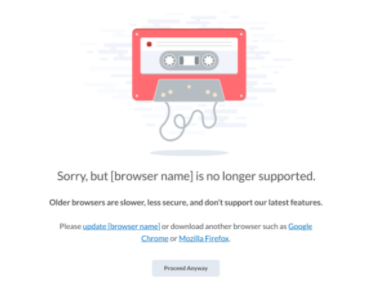
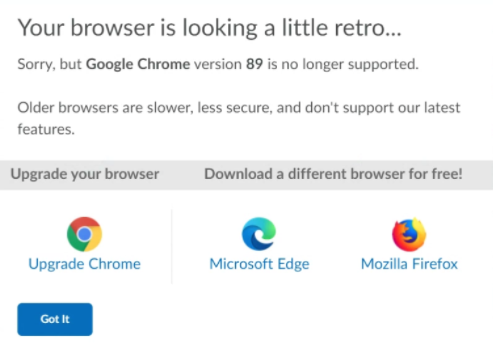
If a user attempts to connect to D2L with an unsupported browser, D2L's browser check displays a retro or legacy browser warning message.
See below: